LYRRA CAPTURE
- Project type
- web extension
- Role
- ui/ux design, product strategy
- Medium
- career tech platform
- Tools
- Figma · Clickup · Miro
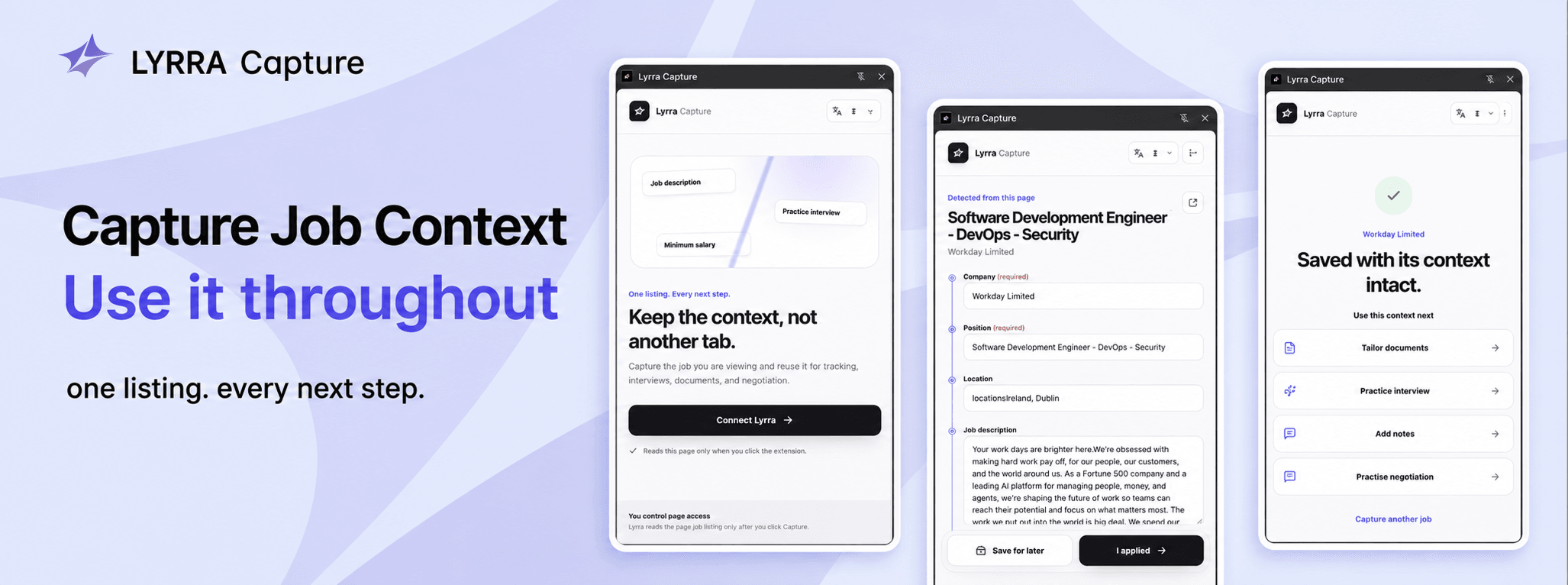
Lyrra Capture is a privacy-conscious Chrome extension that turns an open job listing into an easily operable, reusable application context inside Lyrra. It connects the job posting to the whole interconnected Lyrra environment.
The flow is deliberately simple: 1. Open a job listing and click the extension. 2. A Chrome side panel extracts available details: company, role, location, description, work arrangement, employment type, salary, and URL. 3. Review and edit everything. Uncertain or missing fields are clearly marked rather than guessed. 4. Choose Save for later or I applied. 5. Continue in Lyrra using that same context to track the opportunity, tailor documents, practise interviews, add notes, or prepare for negotiation.
Job seekers at all career stages who feel overwhelmed by the application process and companies seeking to attract qualified candidates through streamlined digital tools.
- Blank pages trigger decision avoidance.
- Scattered steps cause cognitive overload.
- Low-friction structure builds momentum.
- Welcomes smart assistance that never takes away control.
How might we bridge the continuity gap between job tracking and the follow-up actions in the application pipeline?
Job seekers are applying across fragmented platforms and ATS systems, repeatedly transferring, reforming and maintaining job information throughout their search. Existing browser tools reduce some of this friction through automated job trackers, but often prioritise application speed, sourcing and volume over continuity. After an application is added and submitted, candidates still face fragmented records.
An extension that removes repetitive copying while keeping the user in control, carrying a job's context from discovery through the rest of the application journey.
Lyrra Capture removes repetitive copying and information sparsity by connecting job discovery to the broader application workflow without taking control away from the user. With one click, it extracts available job details into a side panel, clearly flags missing or uncertain fields, and lets users review and edit everything before choosing "Save for later" or "I applied". Once saved, the same context carries into Lyrra for tracking, document tailoring, interview practice, notes, and negotiation preparation.
Research Insights
The market validates automated job capture, but job information remains useful long after it enters the tracker; tracking and follow-up activities are often treated as separate workflows. This creates a continuity gap across the application process.
Cross-platform support is useful, but users need to know what was captured, what was missed, and where their input is required.
Privacy for users means deciding when a page is read, reviewing what has been extracted, and controlling what information is shared.
Creating the continuity of the application workflow
Through Lyrra Capture, we aim to clear out tedious copying while maintaining transparency and user autonomy.
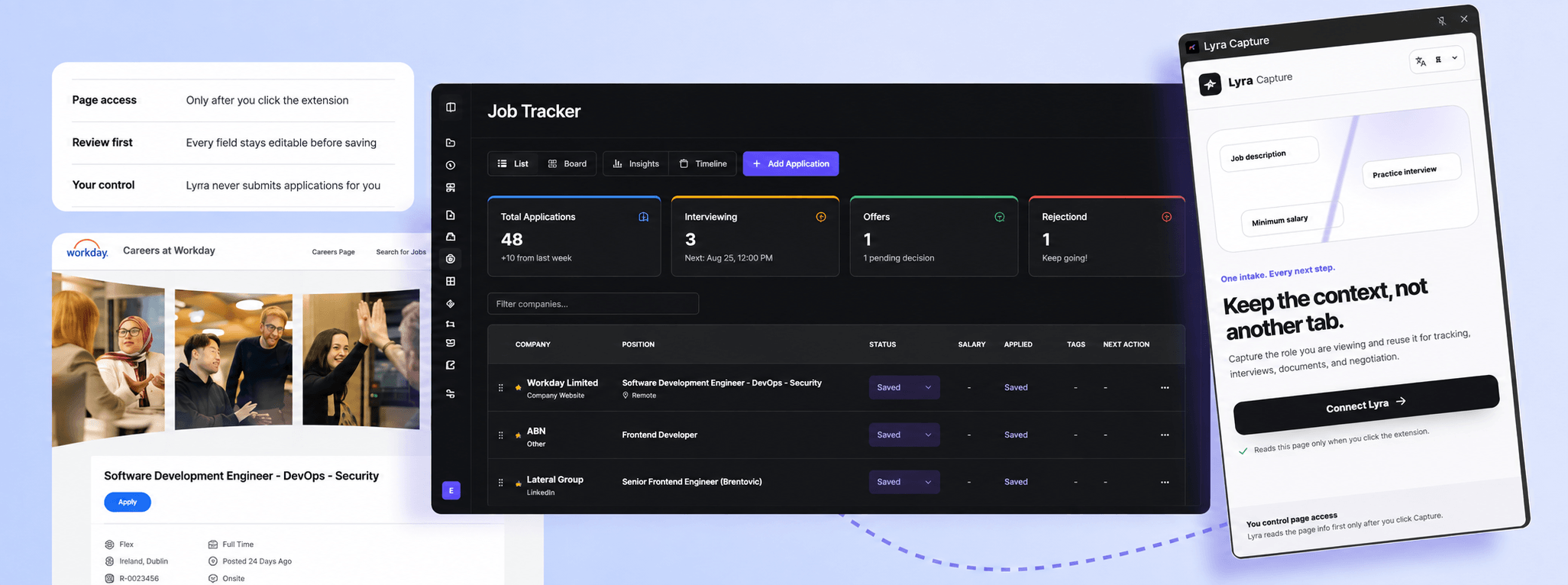
Capture once, reuse throughout the process
A captured job becomes a reusable context across tracking, document tailoring, interview preparation, notes, and negotiation.
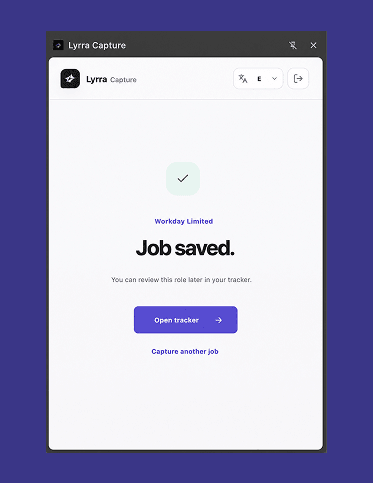
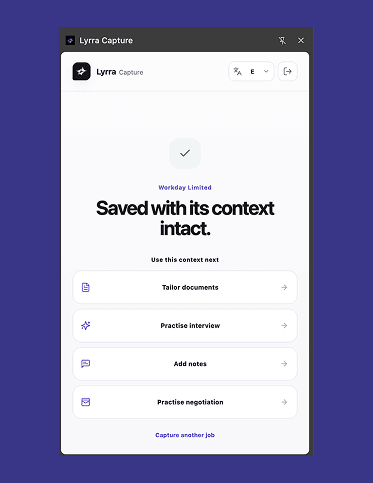
Users perceived the extension as more valuable once the captured job posting became usable beyond saving: for document tailoring, interview preparation, notes, and negotiation training.
““I’d rather save it once and have it follow me through the rest of the process than keep going back to the job post.””
Participant 15, SurveyAutomate while maintaining control
Job details are extracted automatically, but users review and edit everything before choosing to save. Moreover, uncertain or missing fields are clearly marked rather than guessed to provide clarity.
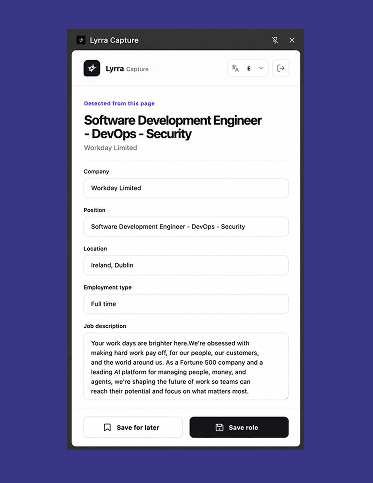
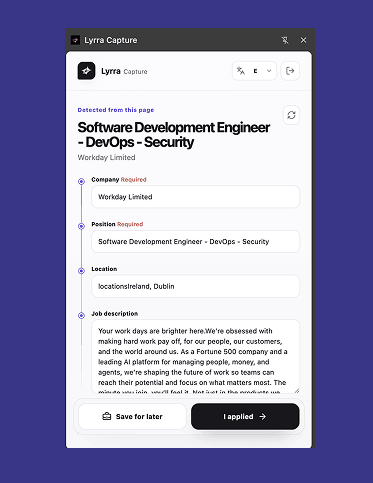
Automation works best as a starting point. Editable fields and visible uncertainty keep the user in control while preserving the speed benefit.
““I would rather see ‘we couldn’t identify this’ than a confident guess.””
Participant 07, Usability TestMake privacy part of the interaction.
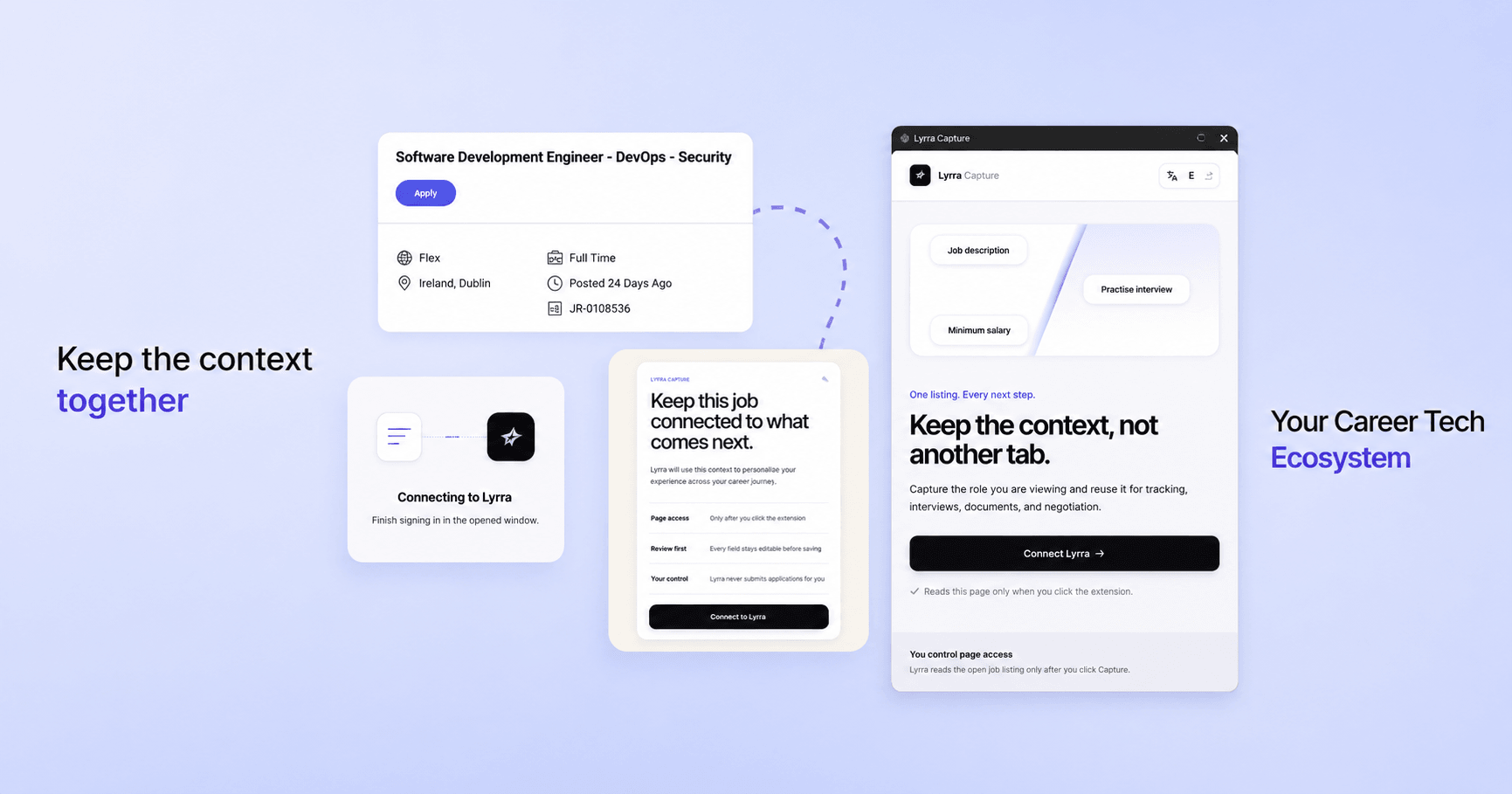
The page is read only after user activation, content remains local during review, and only reviewed fields are sent to Lyrra after Save.
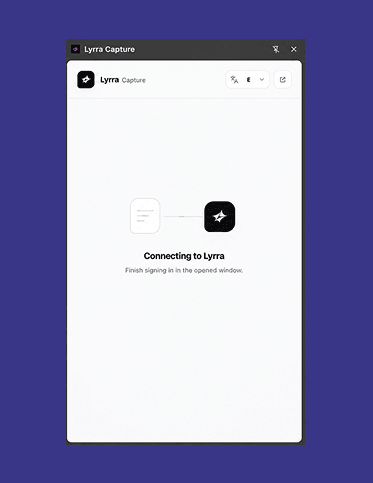
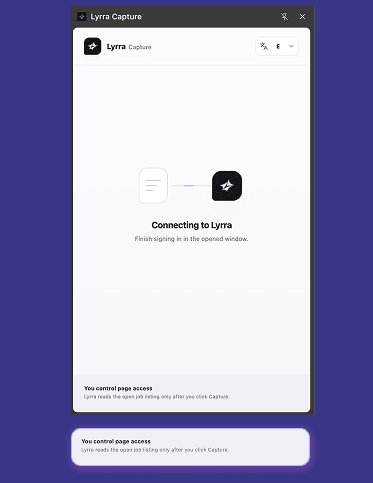
The repeated “You control page access” message was understood more readily than a generic privacy statement would be.
““As long as it only activates when I ask it to, and the information is only private to my account, I would use it.””
Participant 10, Usability TestLyrra Capture in the Lyrra context
Through Lyrra Capture, we aim to clear out tedious copying while maintaining transparency and user autonomy.


What the work established
The current outcomes describe the product direction and the measurements planned for post-launch validation.
Job post → Capture → User-approved structured job context → Tracker → Reused across Lyrra
planned
An intended ecosystem outcome; production impact has not yet been measured.
Validate task completion, abandonment, and user confidence after launch.
planned
A post-launch measurement plan, not a reported result.
Lyrra Capture contributes to Lyrra’s mission of helping users get unstuck from the intricate requirements and fragmented processes of the current job market. It acts as a bridge between the job market and the wider Lyrra ecosystem, maintaining user authority and information transparency throughout the transition.